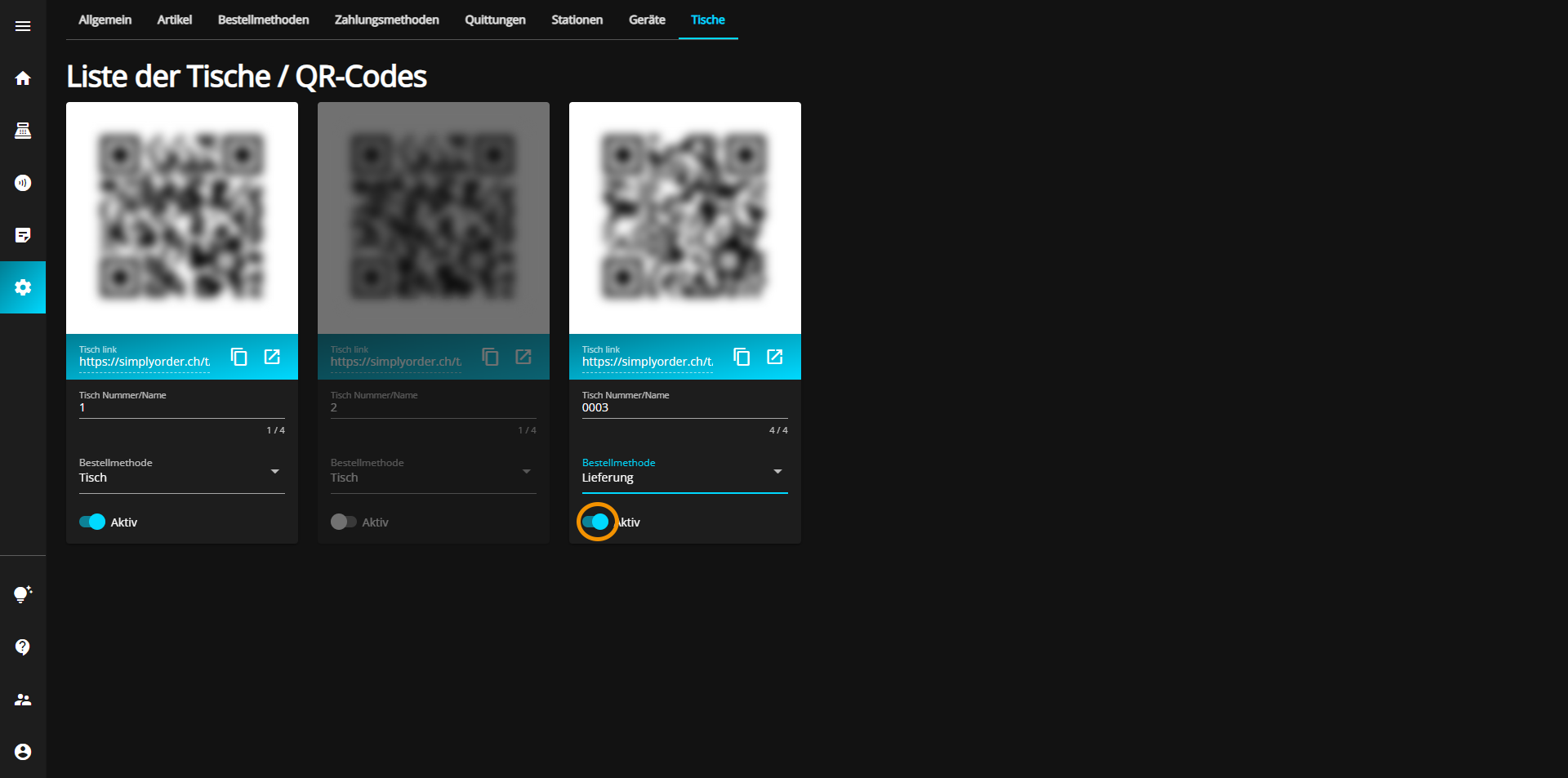
If additional tables/QR codes are required, there is always the option to purchase additional tables/codes, which are then also automatically displayed in the "Tables" tab.
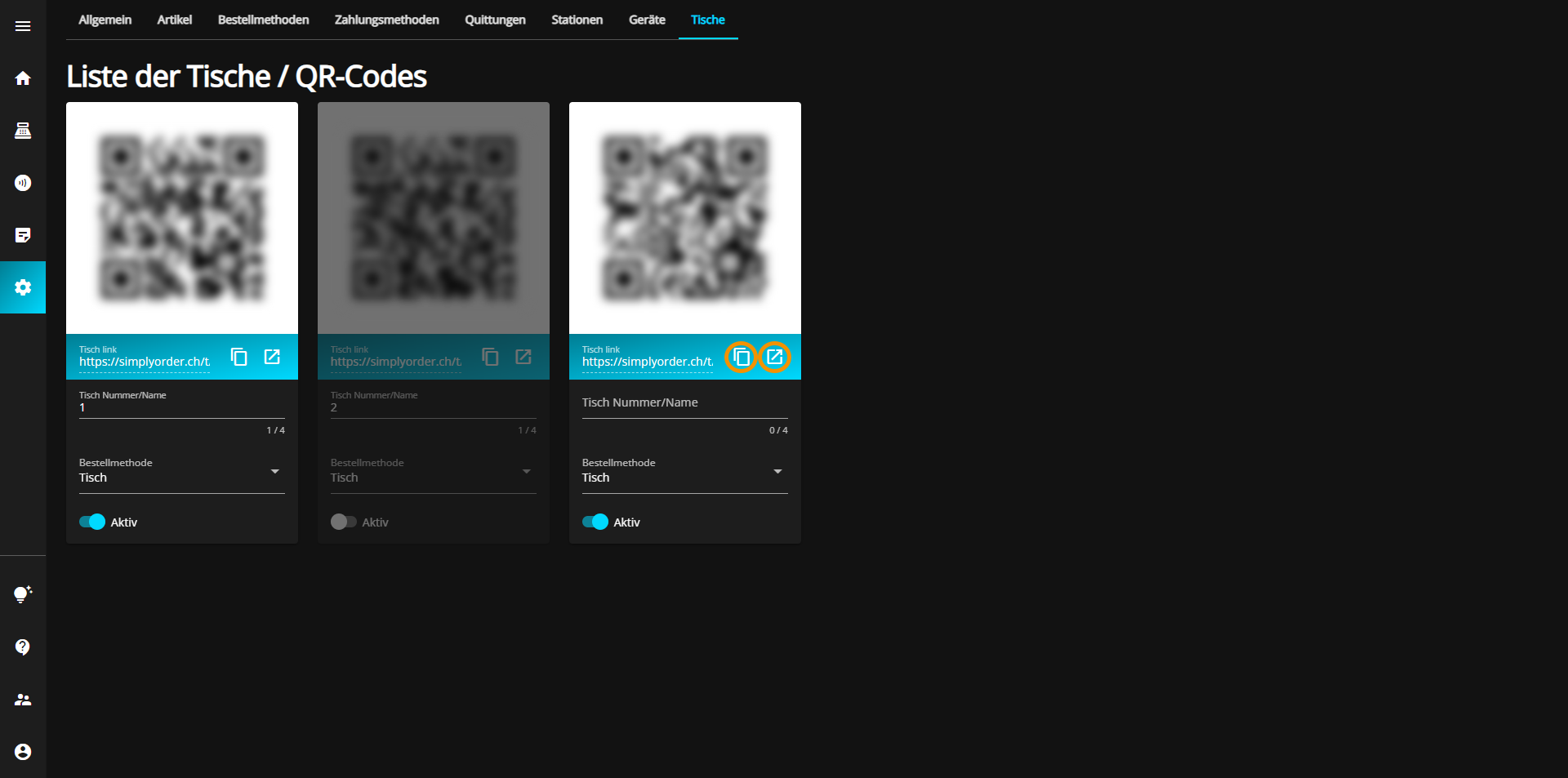
The menu card can be accessed by scanning the QR code, which is different for each table, or via the link below, which can either be accessed directly via the corresponding button or copied and pasted/sent.
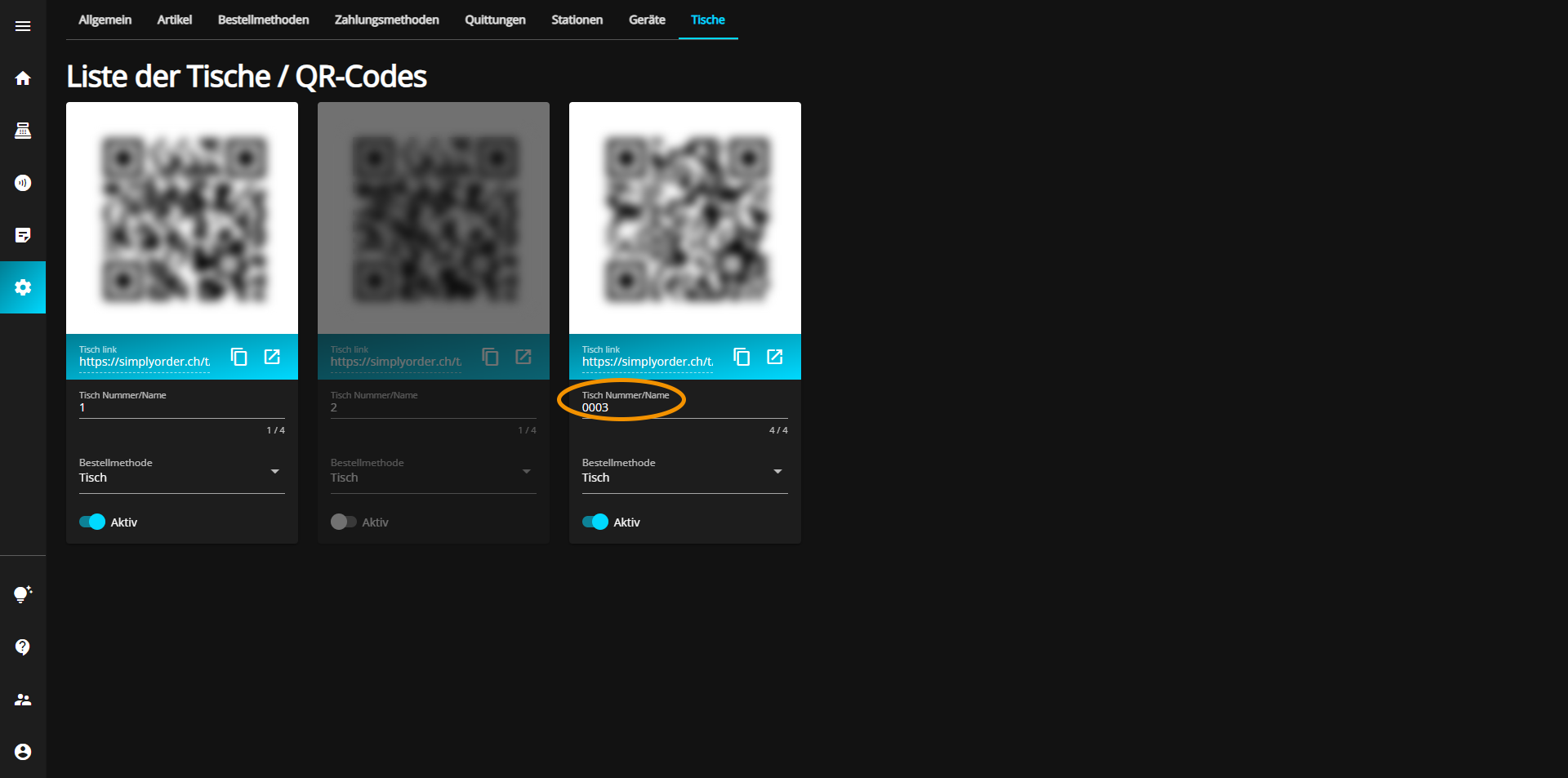
You can assign a number to your table/QR code, which can be up to four characters long.
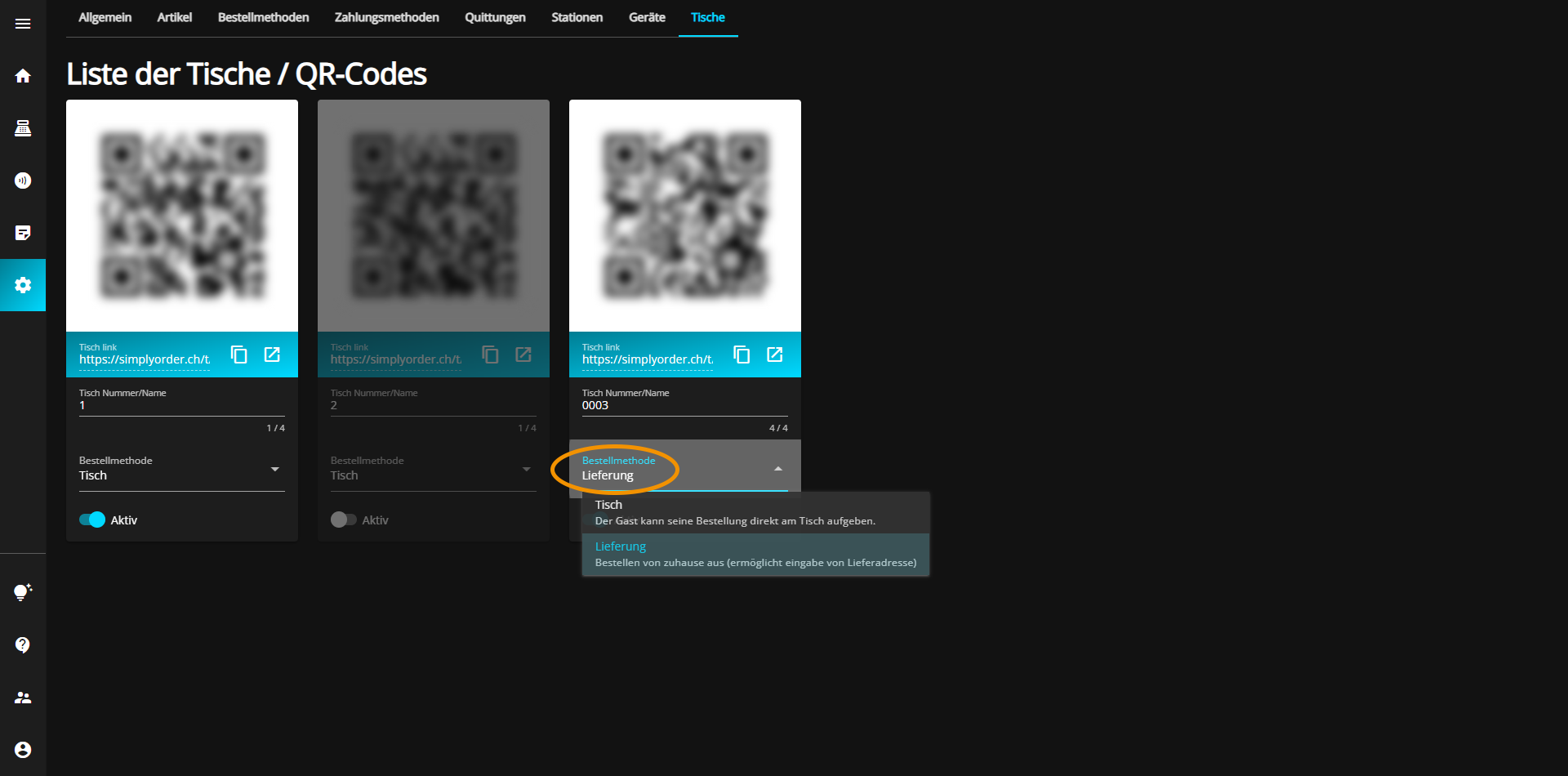
Next, you can assign the table to the corresponding order method.
You have the option to activate (blue) or deactivate (gray) each table at any time by toggling the "Active" button at the bottom left of the table tab.