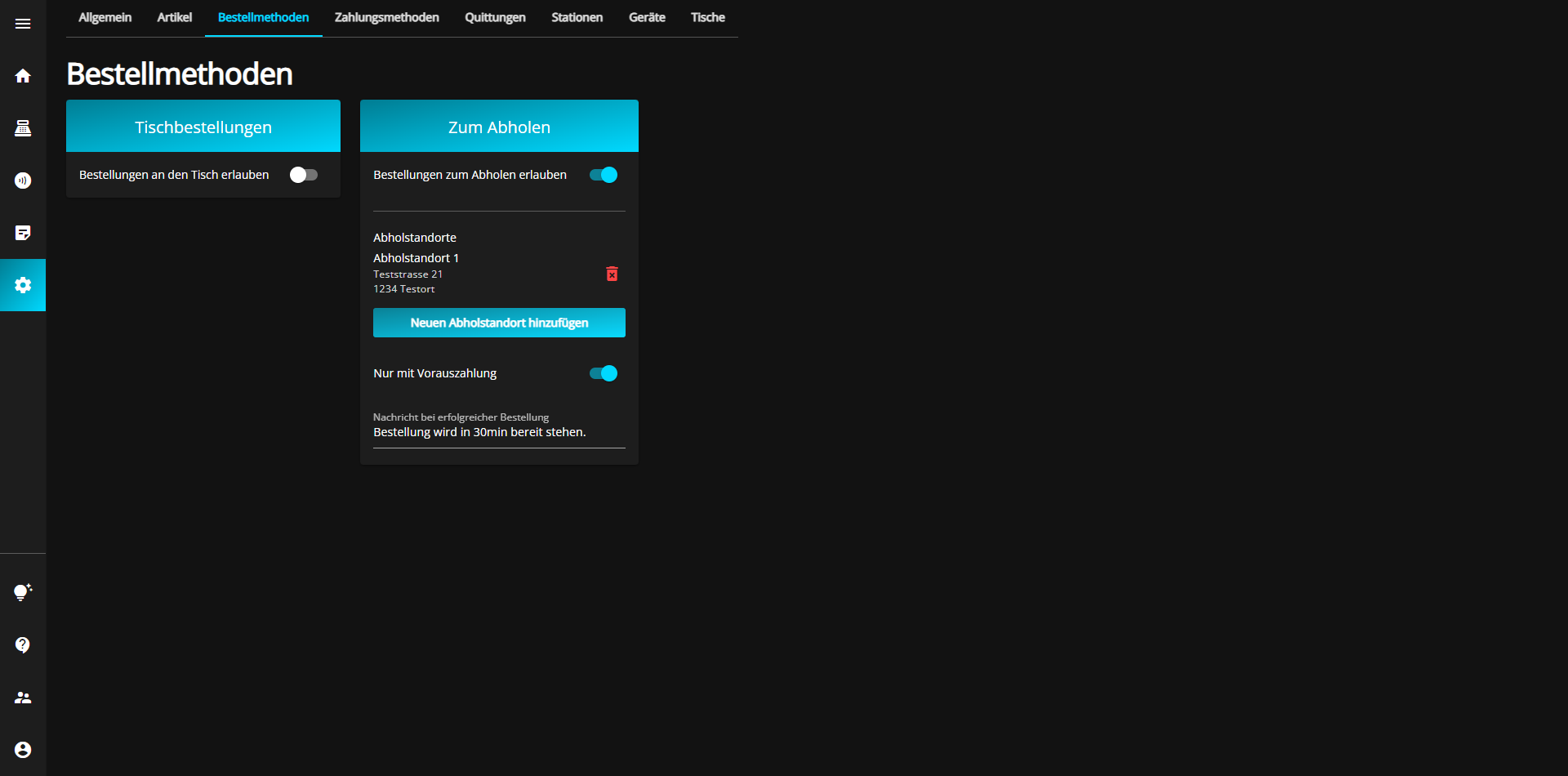
You can change the settings for orders at the table at simplyorder.ch/dashboard/settings/orders
You can activate (blue) or deactivate (gray) the option to order from the tables by clicking on the "Allow orders to the table" button.
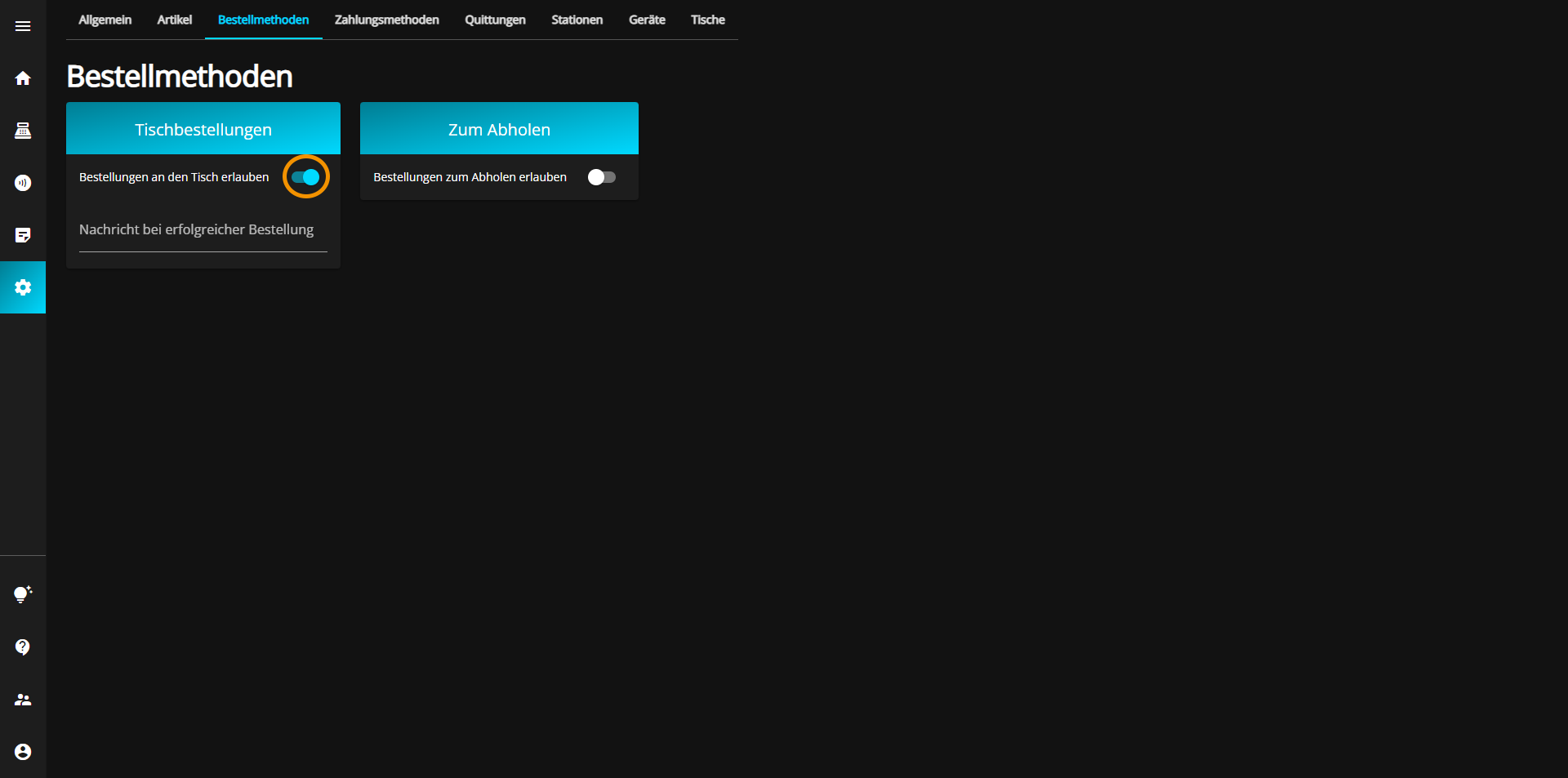
If you have activated this option, you can also write an automatic message to be displayed to the customer after ordering.
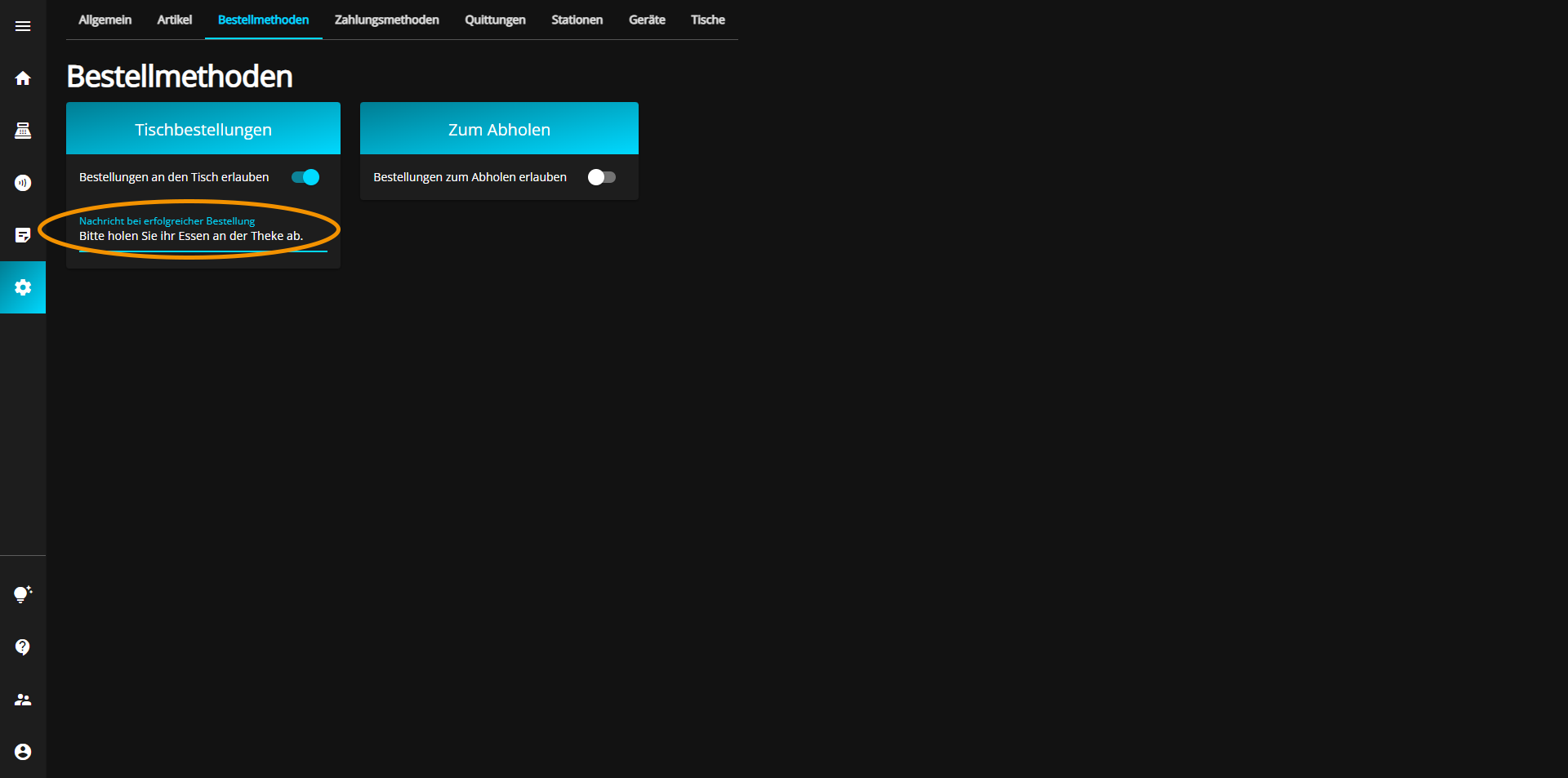
You can change the settings for pick-up orders at simplyorder.ch/dashboard/settings/orders
You can activate (blue) or deactivate (gray) the option "Orders to pick up" by clicking on the button "Allow orders to the table".
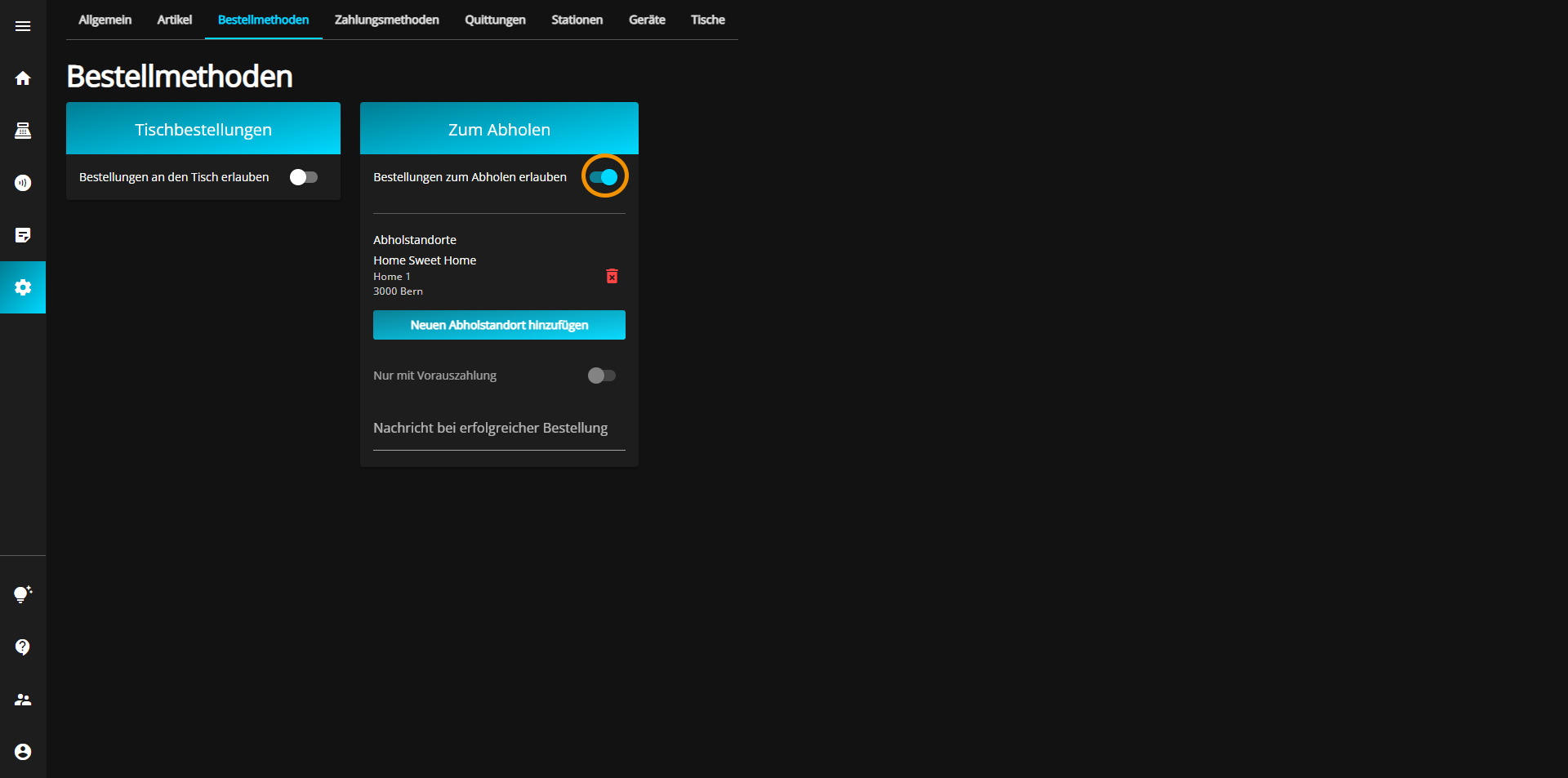
After activating this option, you must enter the pick-up address where the food is to be picked up.
To do this, click on "Add new pick-up location".
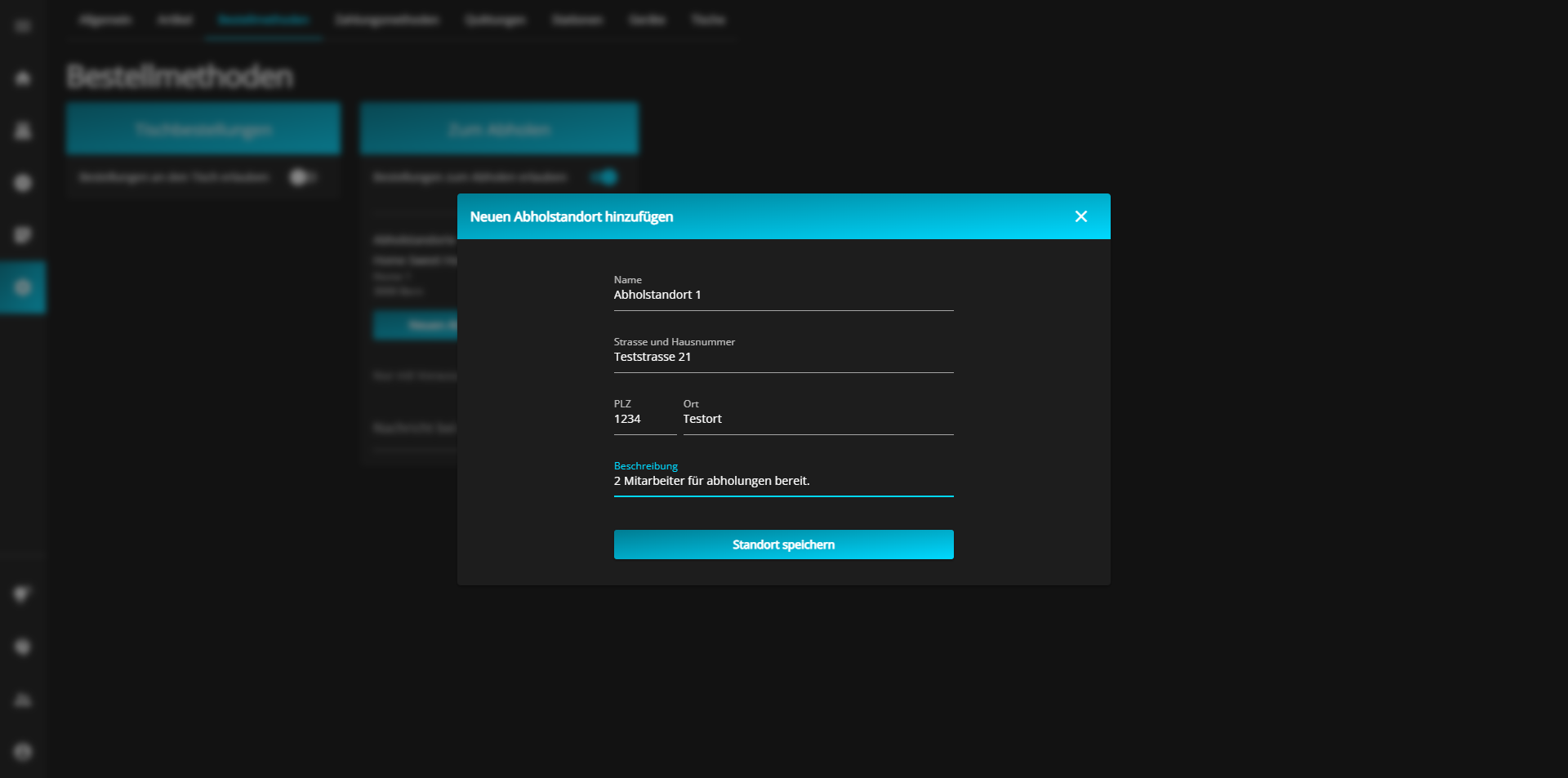
Another window will open in which you must enter the desired address and, if required, a description can also be added.
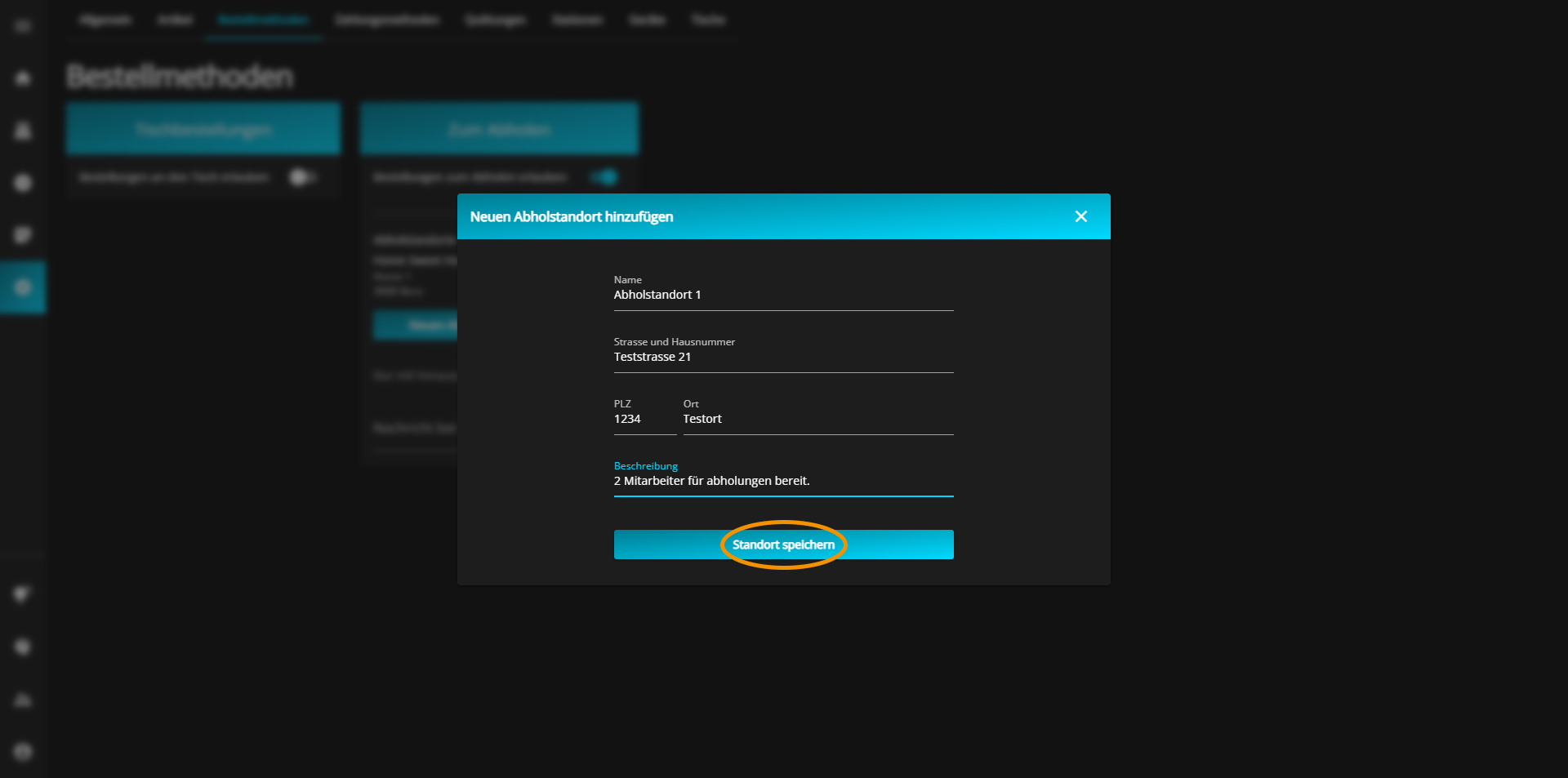
Once you have entered the address, click on "Save location" to confirm your entries.
You now have the option to enable collection by prepayment only.
You can activate (blue) or deactivate (gray) this option by clicking on the "Only with prepayment" button.
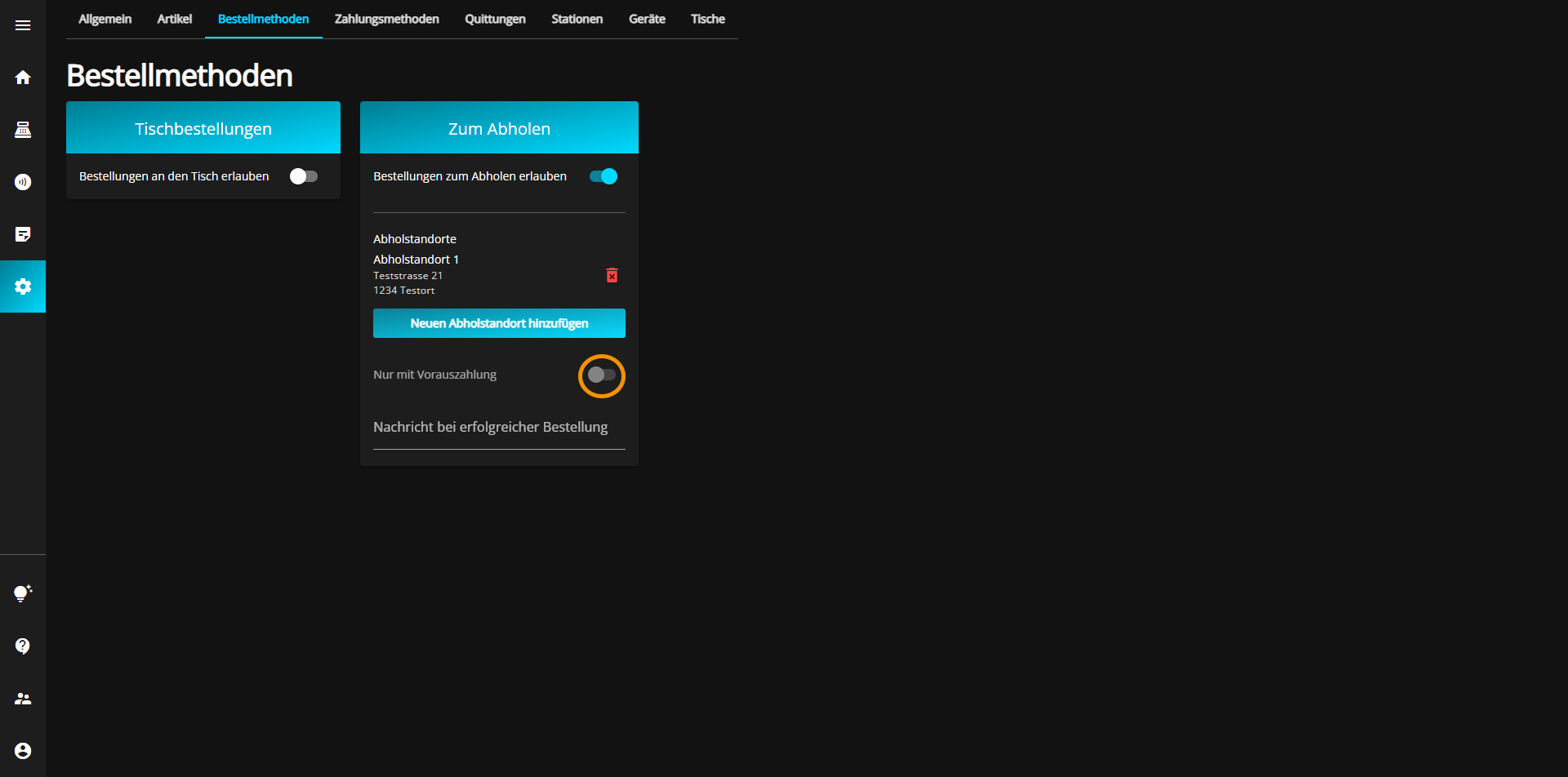
However, you can only activate this function if you have already activated the "Datatrans" payment method.
To edit the payment methods, go to the article "Payment methods" and then to "Datatrans" or click on the link below.
Finally, you have the option of creating an automatic message to be displayed to the customer after the order has been placed.