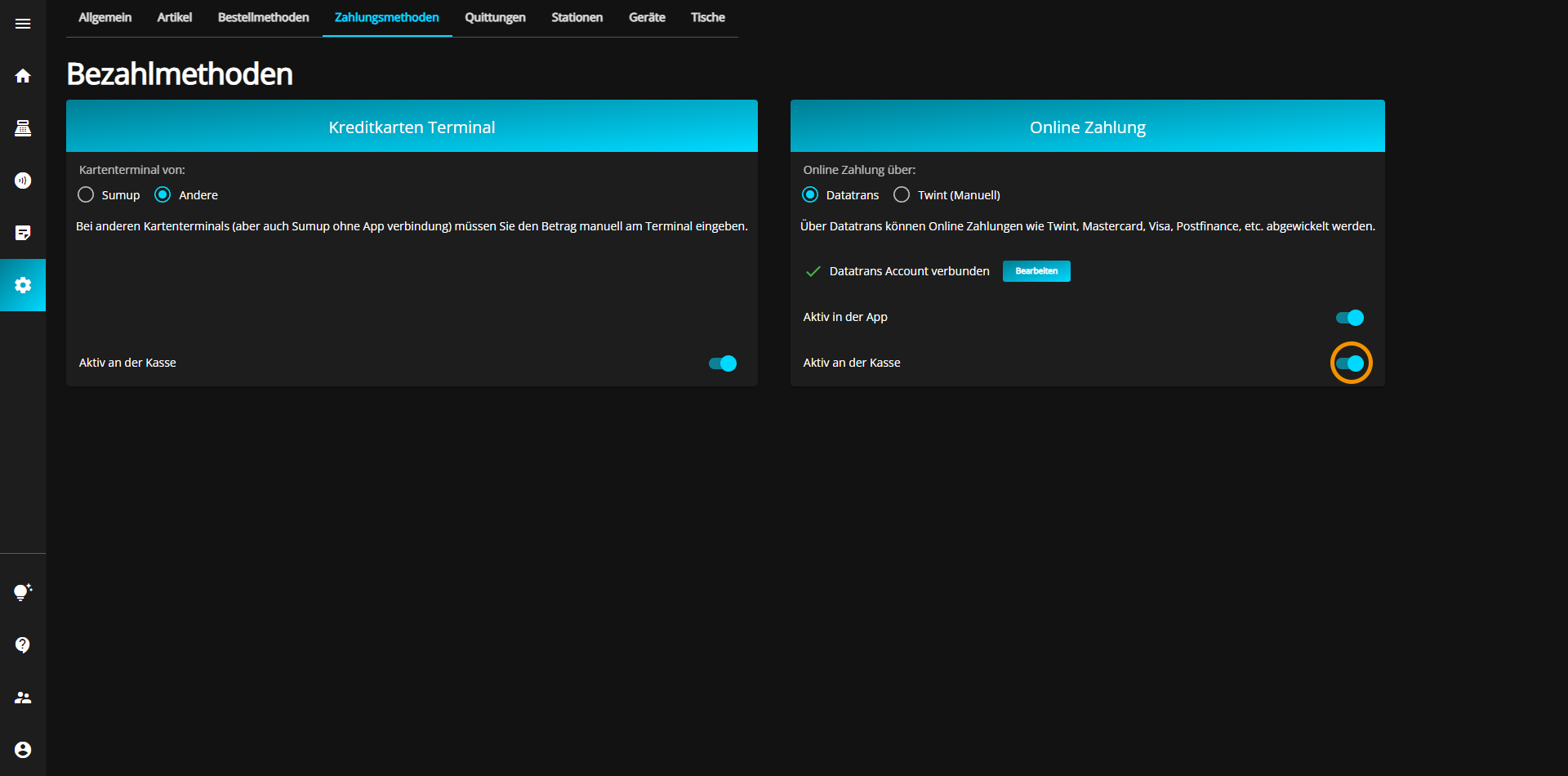
There are basically two different payment methods, each with two variants, which are specifically explained here.
With the credit card terminals you have the following options:
If you would like to use the Sumup terminal as your credit card system, click on the "Sumup" button.
The currently selected option is always displayed in blue.
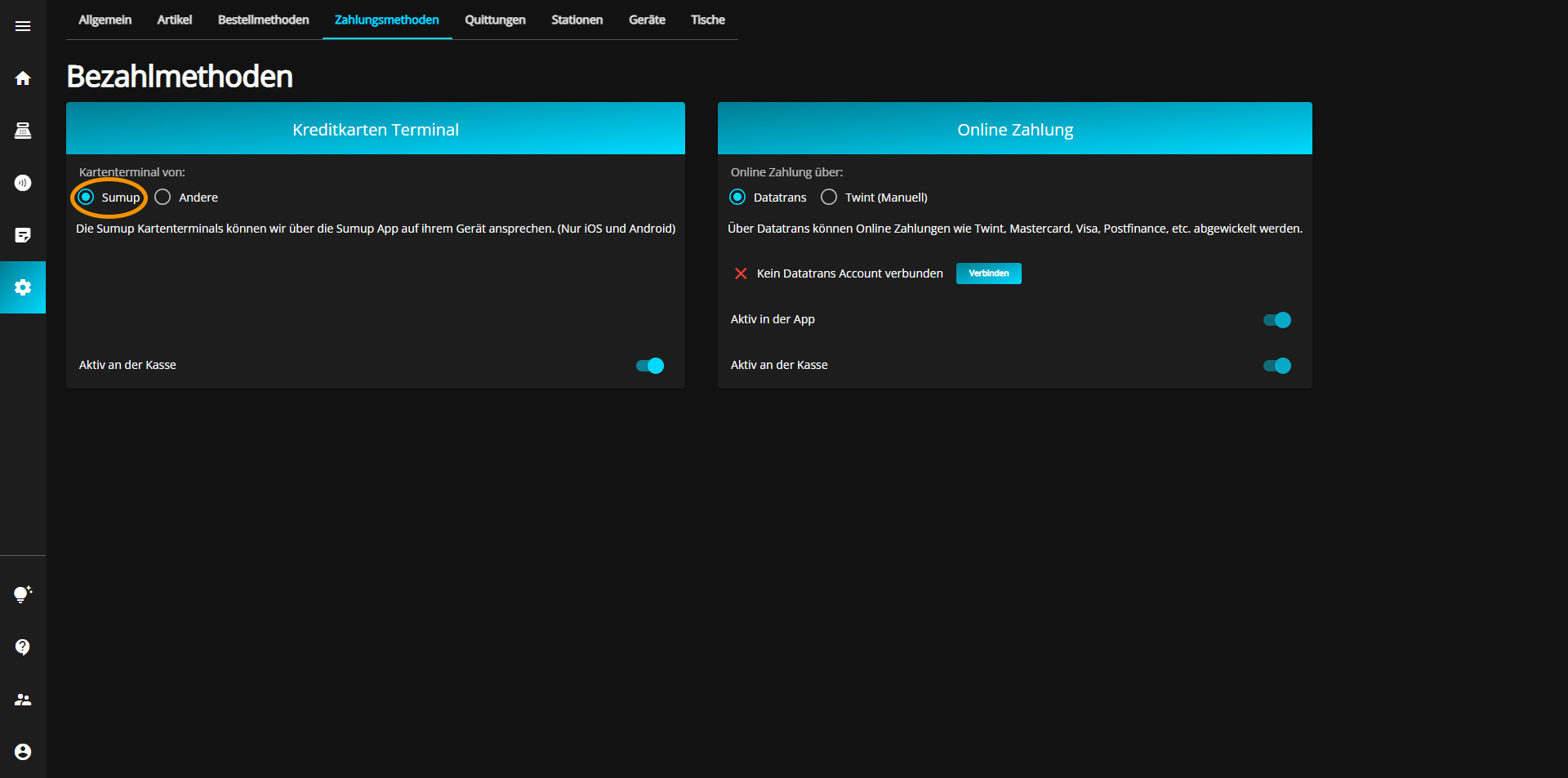
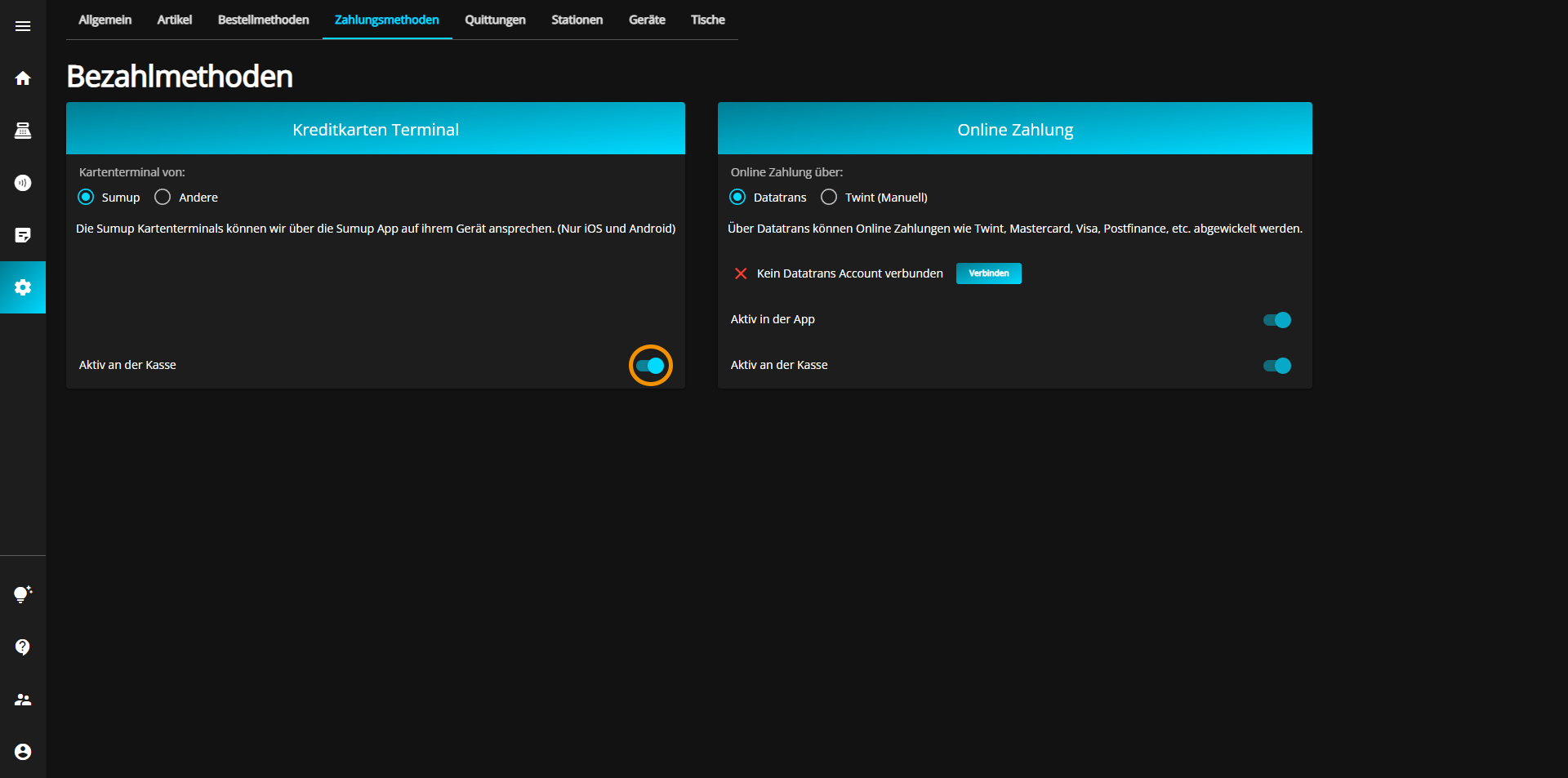
For each payment method, you have the option of activating or deactivating that method for the cash register by switching the corresponding button on (blue) or off (gray).
If you would like to use a credit card terminal other than your credit card system, click on the "Other" button.
The currently selected option is always displayed in blue.
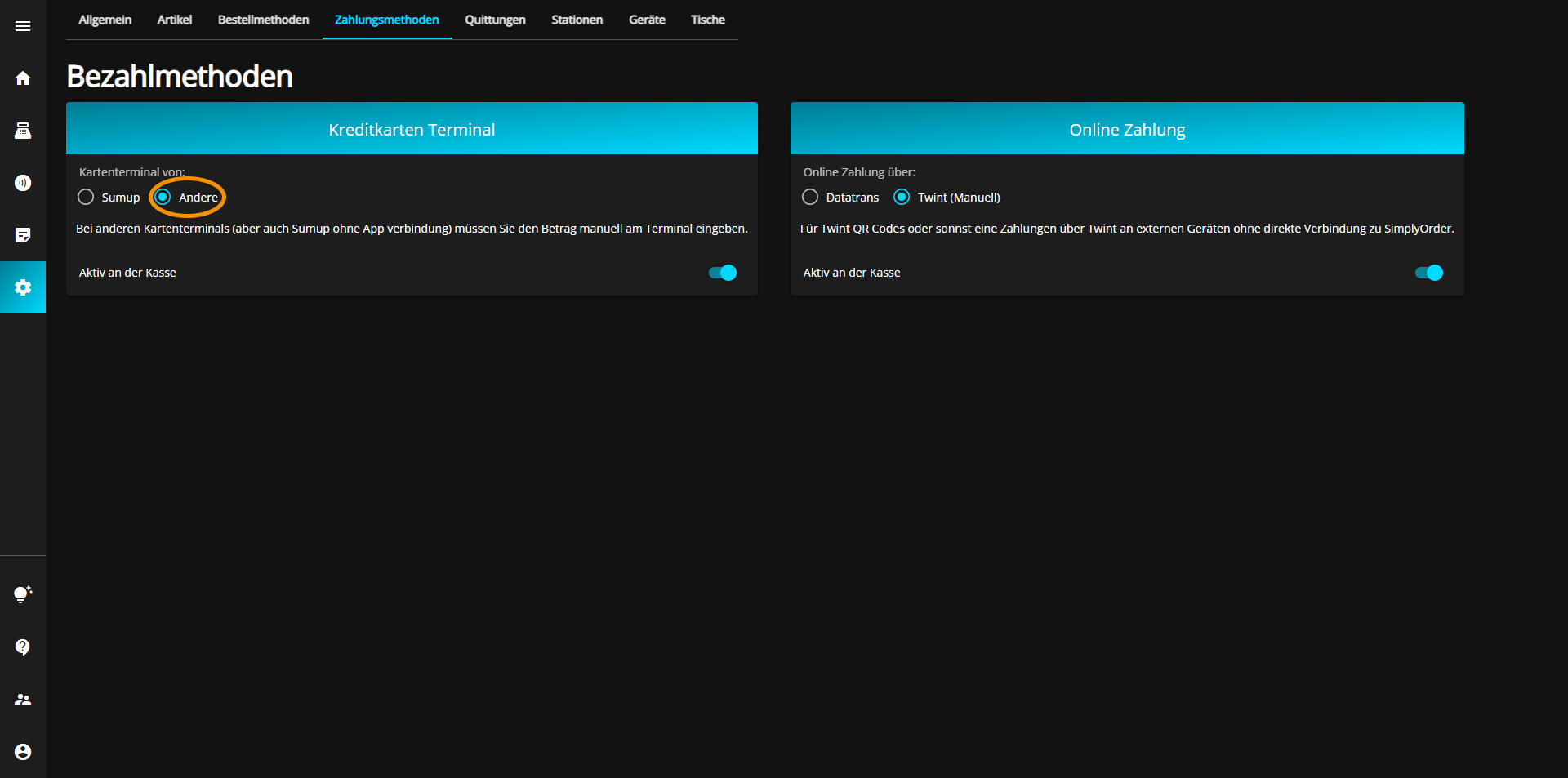
For each payment method, you have the option of activating or deactivating that method for the checkout by switching the corresponding button on (blue) or off (gray).
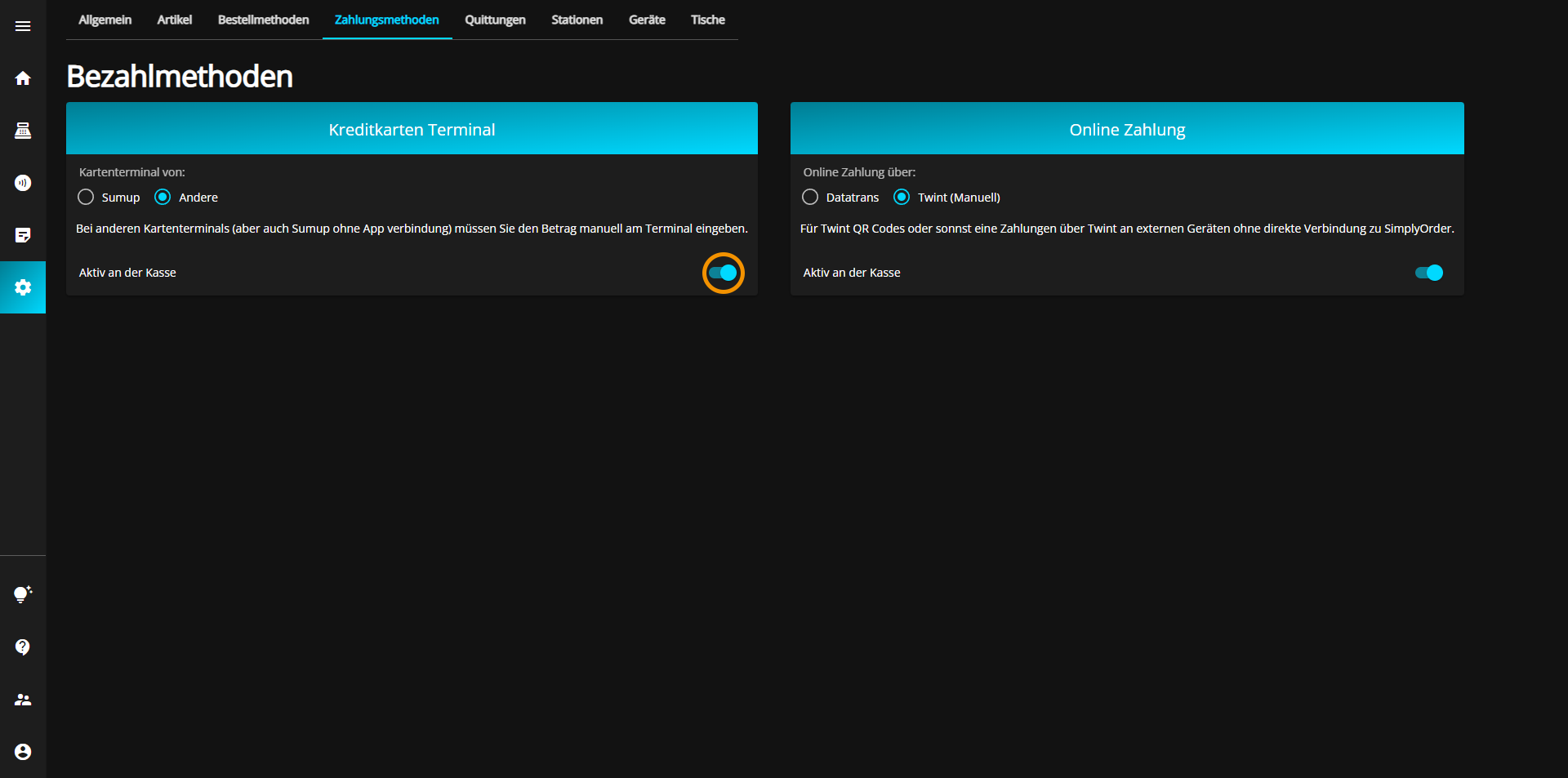
You have the following two options for online payment:
If you would like to use Datatrans for online payments, click on the "Datatrans" button.
The currently selected option will always be displayed in blue.
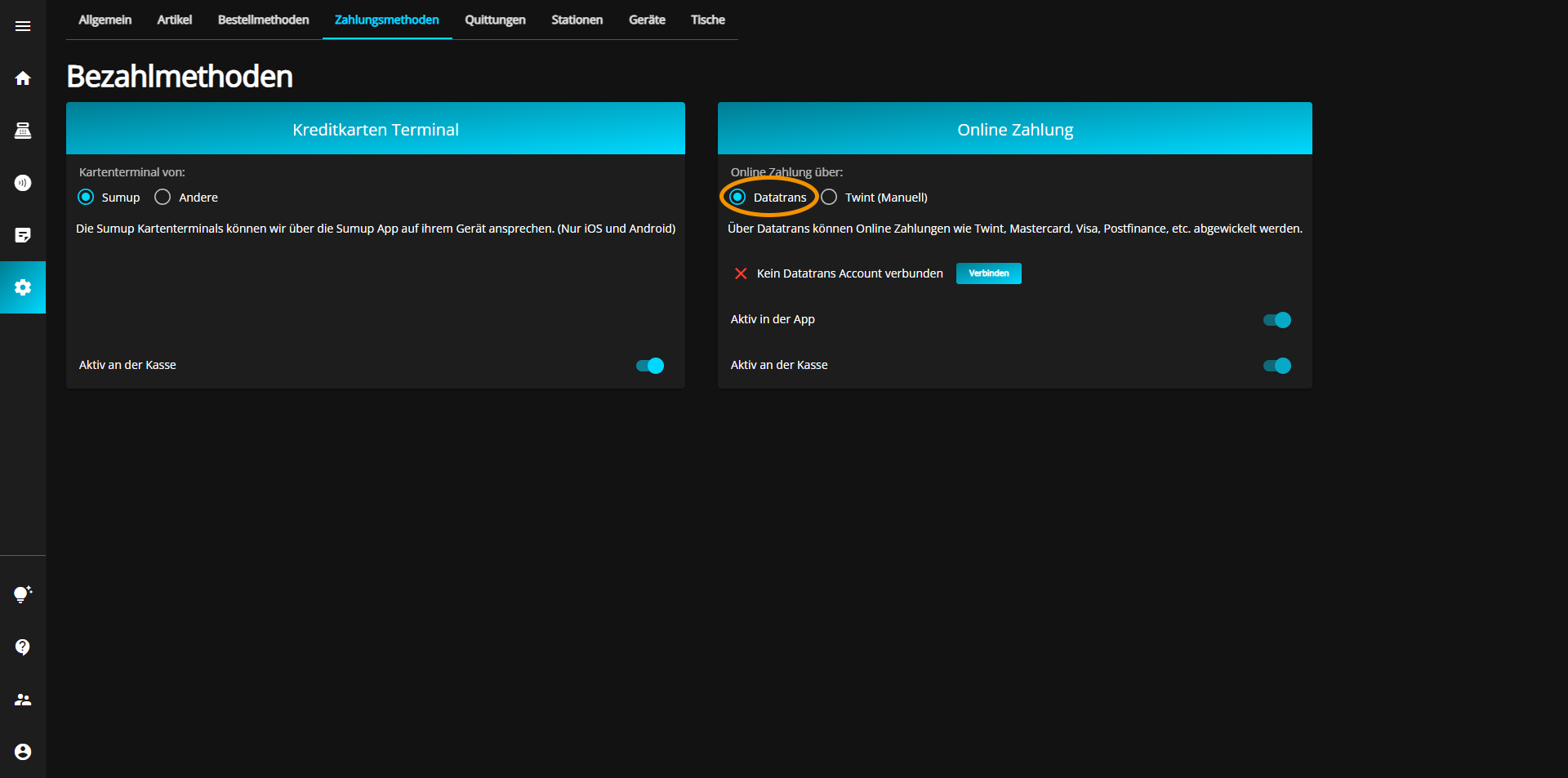
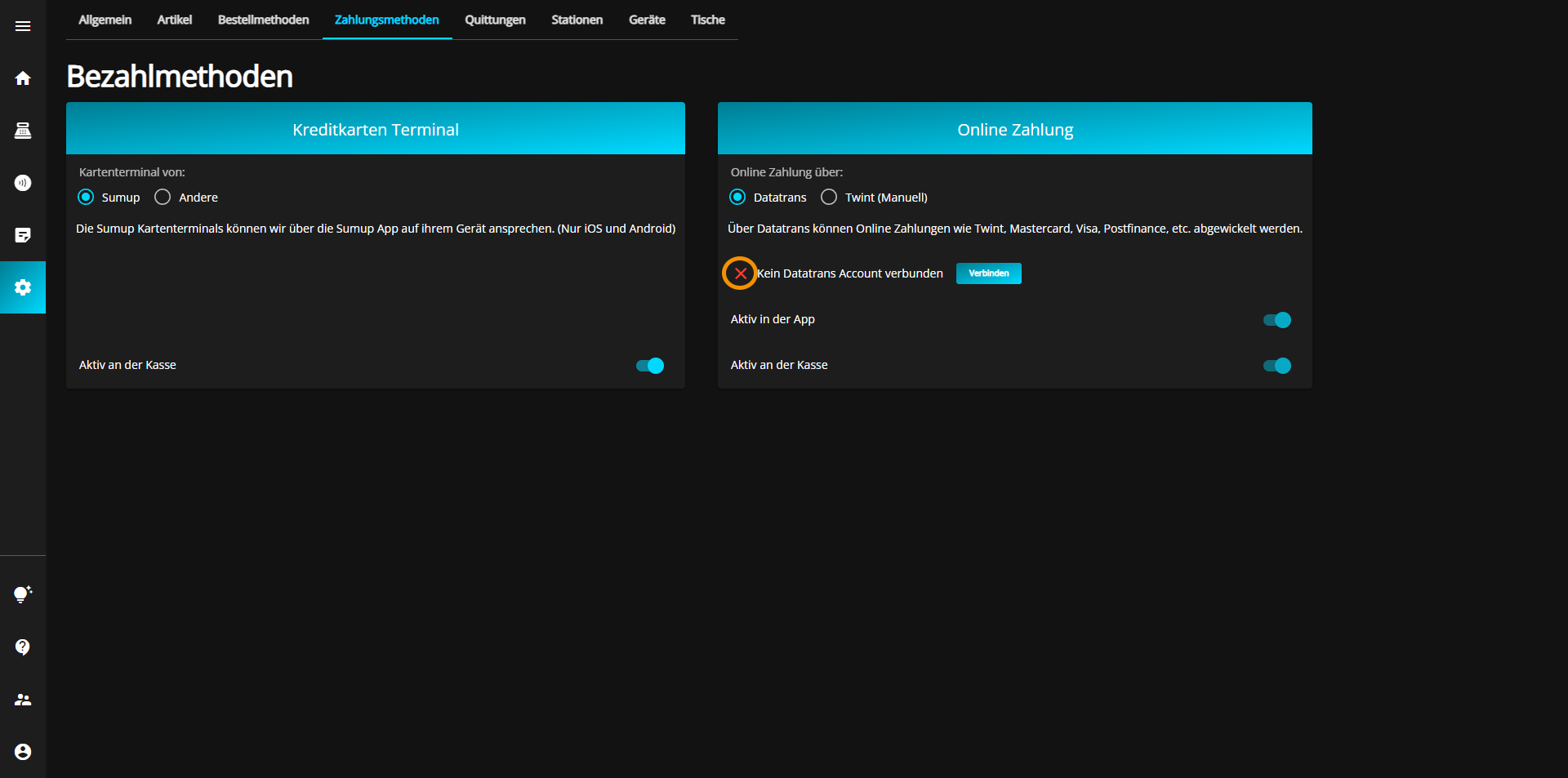
Next, you must connect to the Datatrans account if this has not yet been done. You can recognize a missing connection by the red X on the left side of the panel.
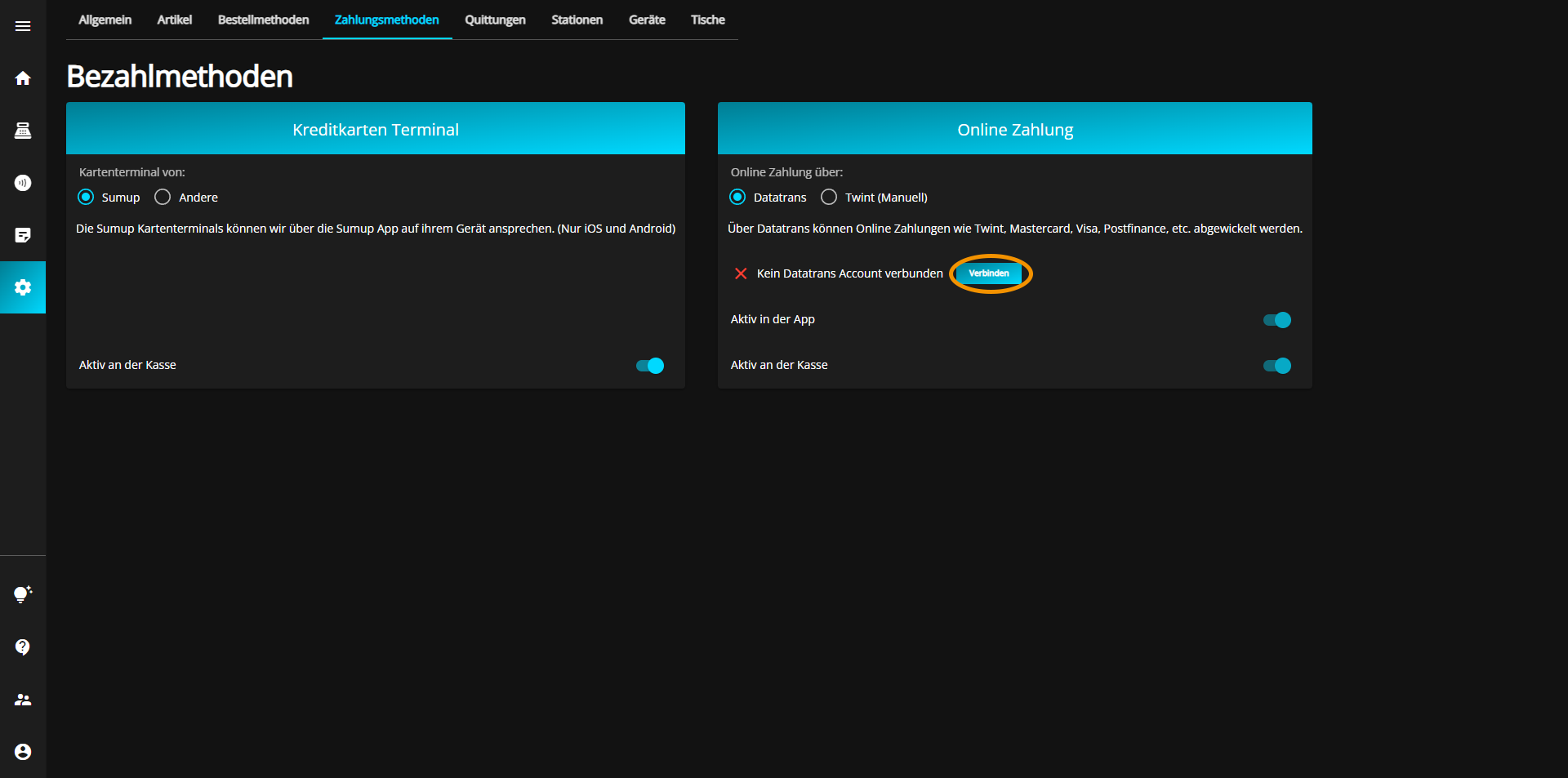
To connect to the Datatrans account, click on the "Connect" button located in the same line on the right.
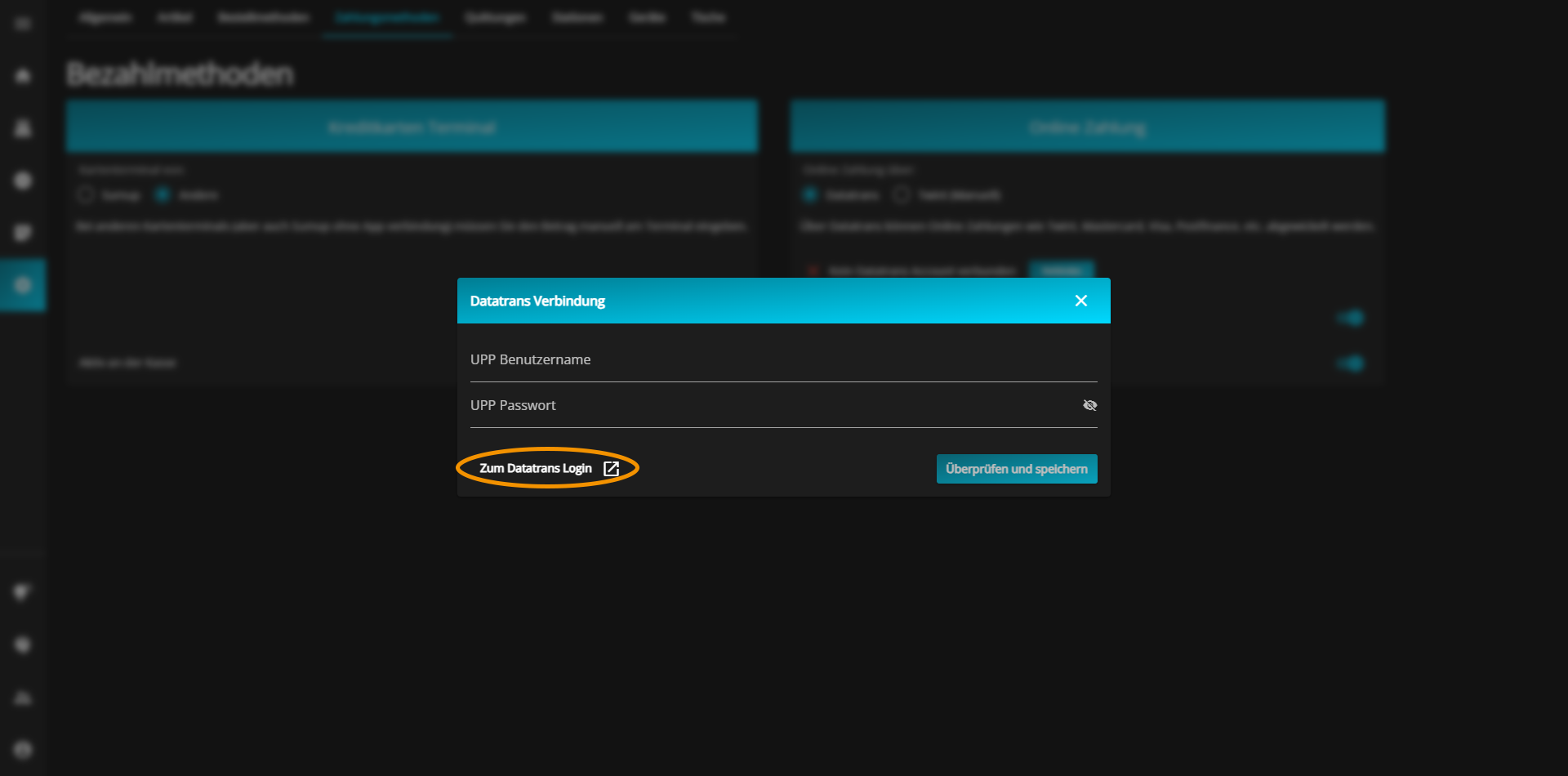
Another window with two text fields will open. Click on the link at the bottom of this window to be redirected to the Datatrans UPP administration.
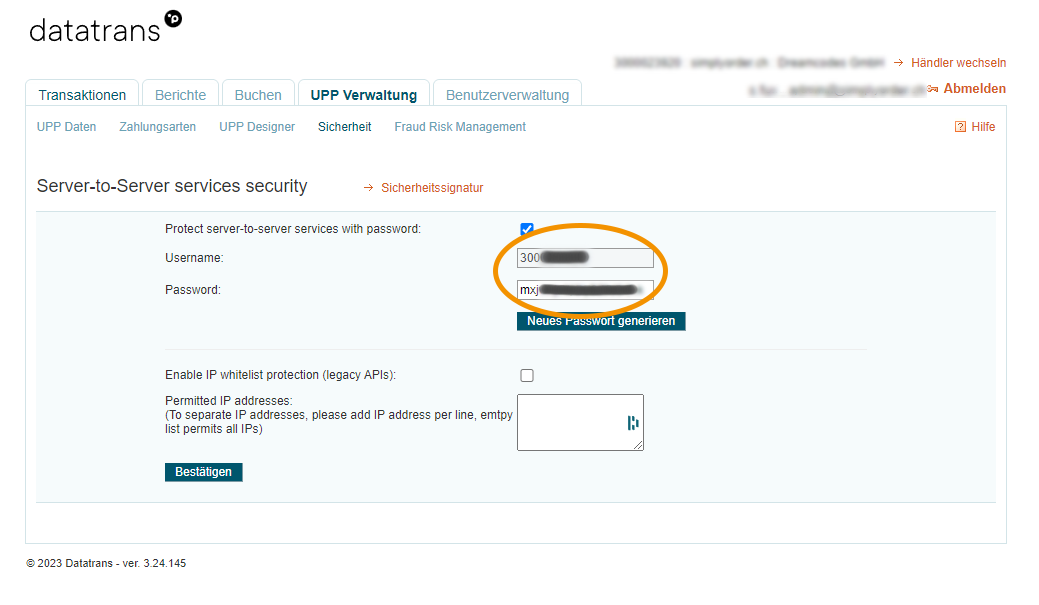
Copy the username and password from the UPP administration and paste them into the corresponding text boxes.
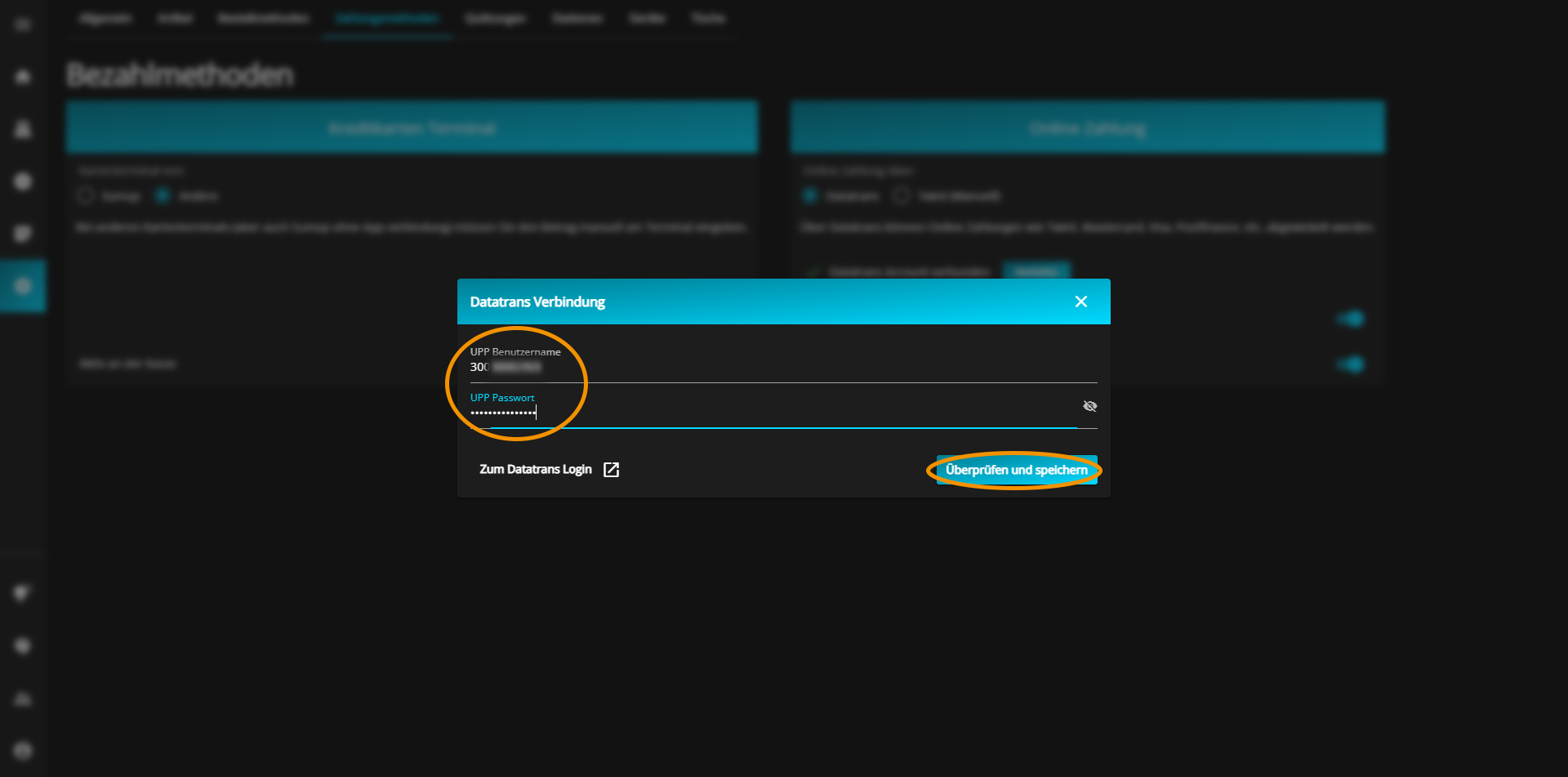
To save your entries, click on the "Check & save" button at the bottom right of the window.
The successful connection to your UPP account is confirmed by a green tick.
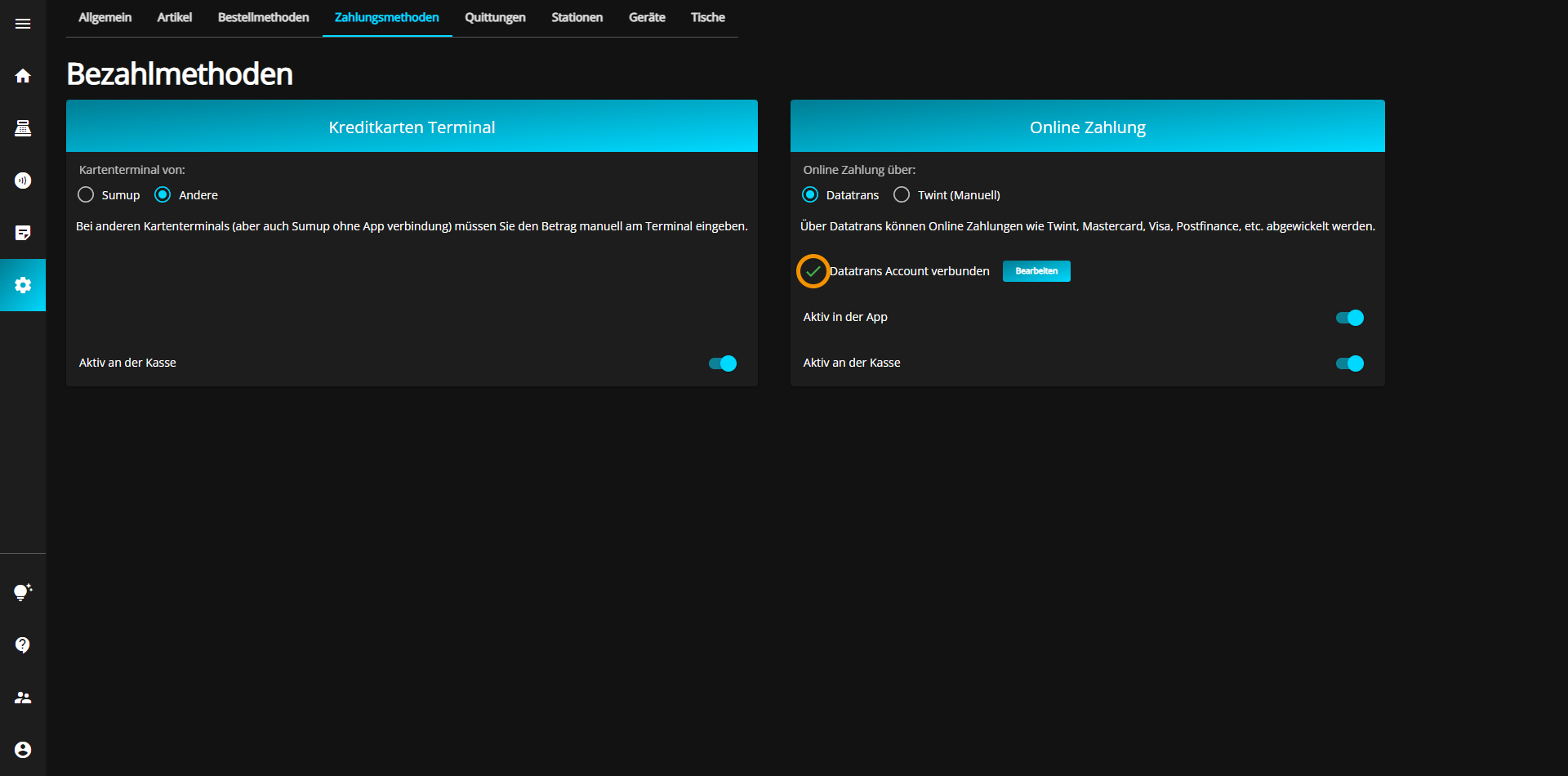
You have the option of activating (blue) or deactivating (gray) Datatrans payment via the app by toggling the "Active in app" button at the bottom right of the current tab.

For each payment method, you have the option of activating or deactivating that method for the checkout by switching the corresponding button on (blue) or off (gray).