You can change the settings for the various stations at simplyorder.ch/dashboard/settings/stations
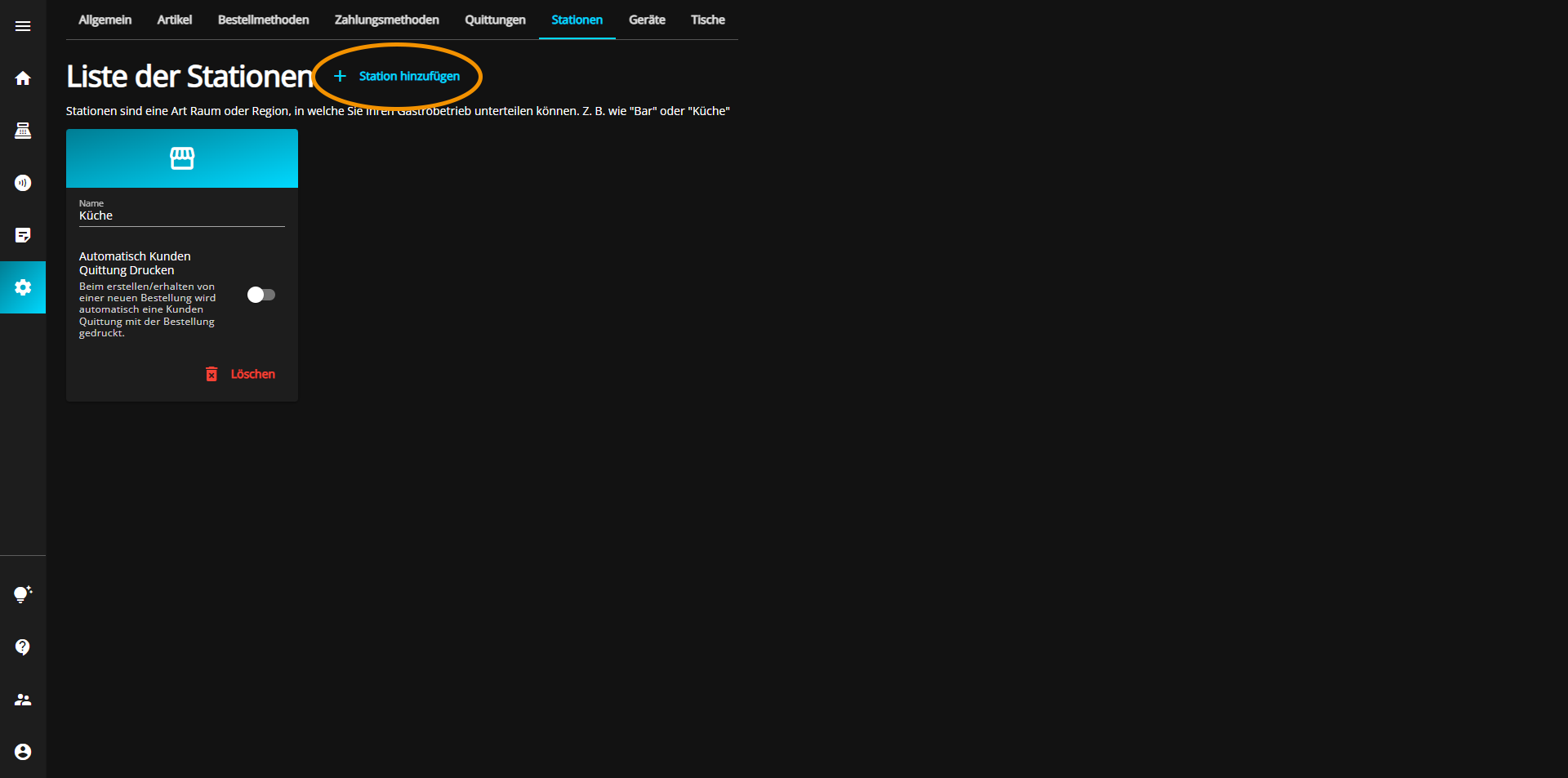
Click on the "Add station" button at the top of the window to add a new station.
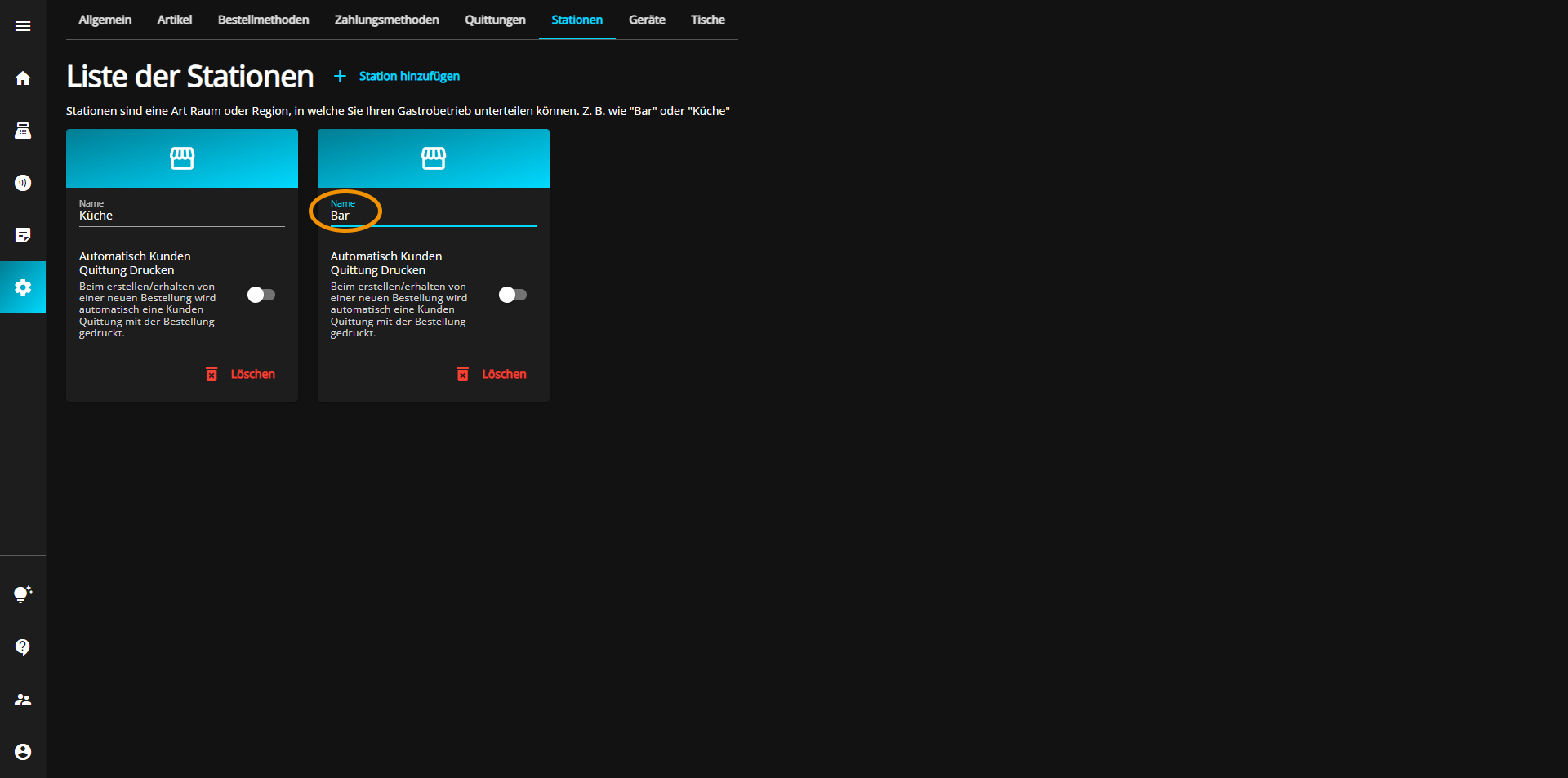
Now click in the "Name" text box of the new station to specify a suitable name.
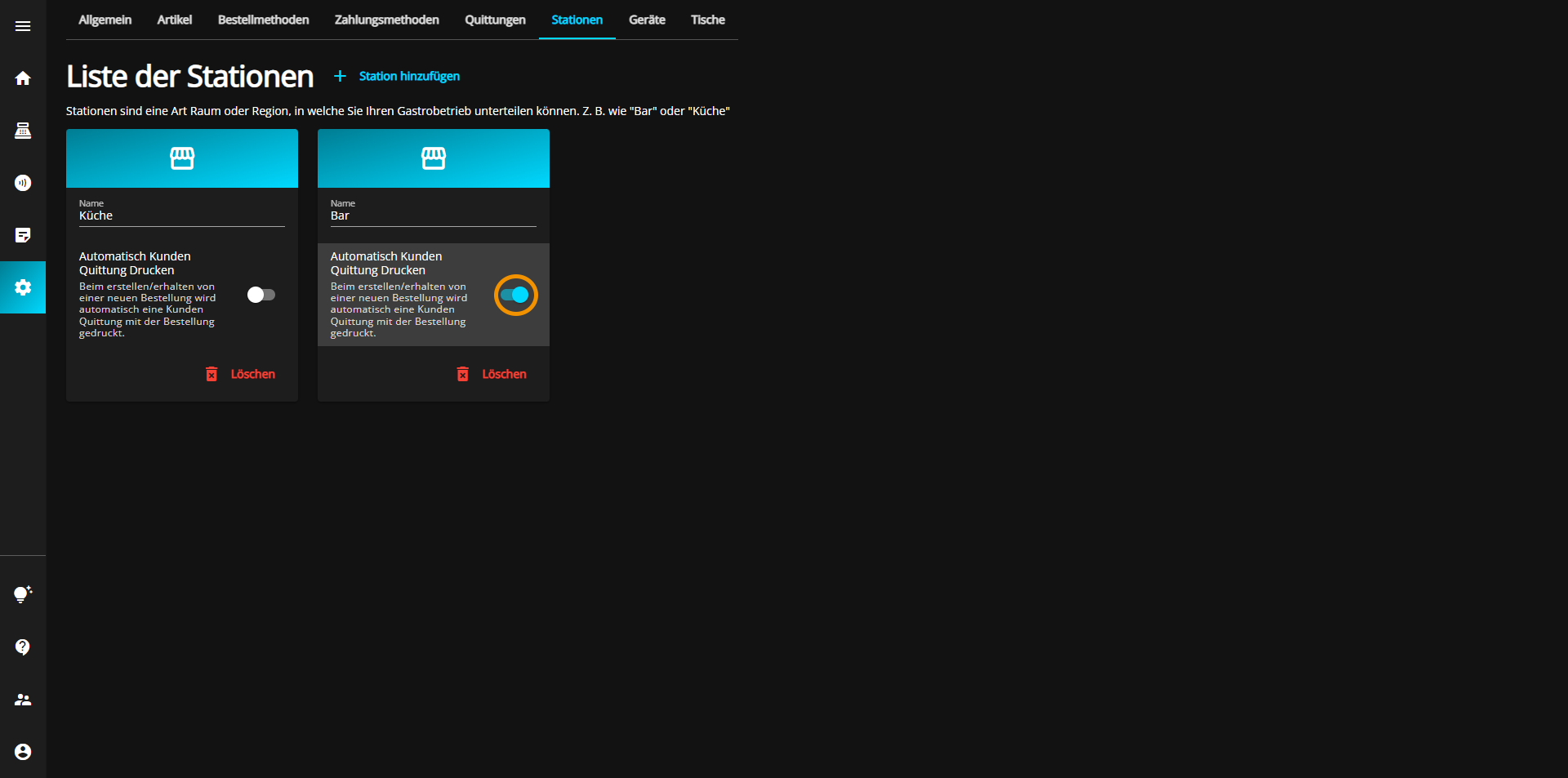
As a second option, you have the possibility to automatically print a receipt for the order for the customer.
To activate (blue) or deactivate (gray) this setting, click on the "Automatically print customer receipts" button.
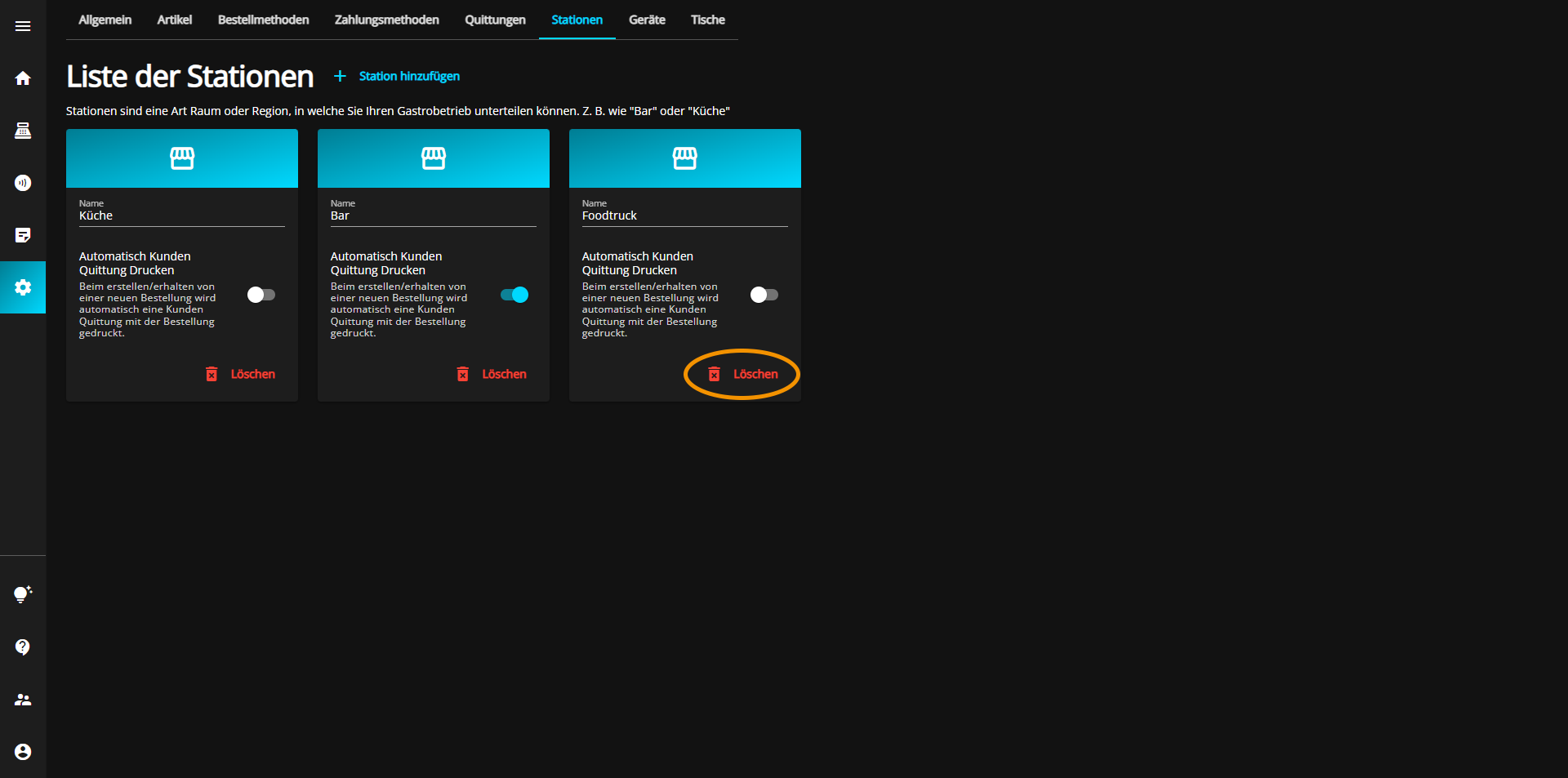
You can delete stations at simplyorder.ch/dashboard/settings/stations
To do this, click on the red Delete button at the bottom right of the tab.
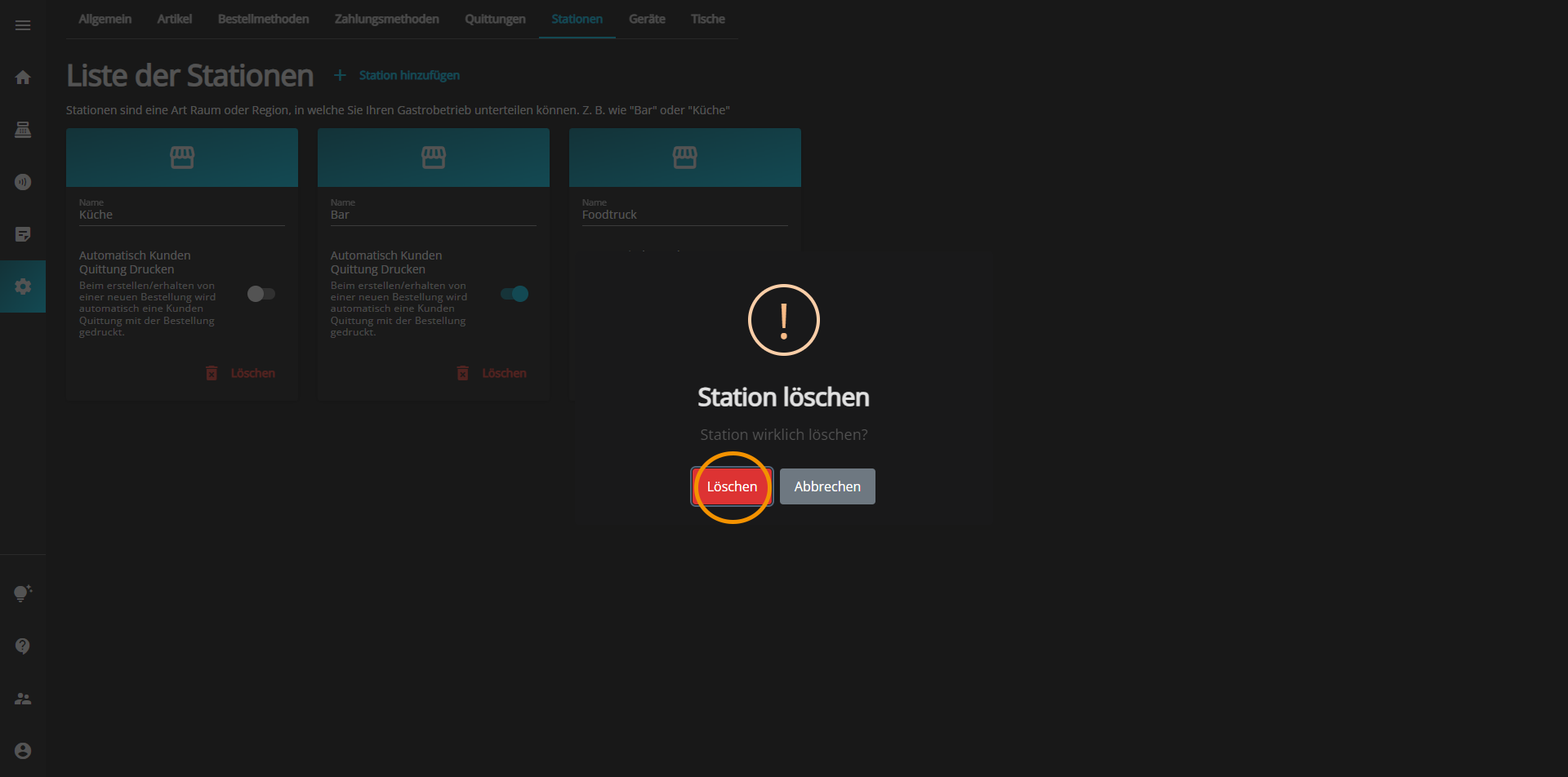
A new window will open in which you must confirm once again whether you really want to delete the selected station.
If you want to delete the station, click the red "Delete" button, but if you want to keep the station, click the gray "Cancel" button